A description or a photo
Describe your scene, or add a photo and explain what should move.
Start with a photo or a few words. Choose your scene, preview the cost, and make it move.
A few clear choices, from your first idea to the finished video.
Describe your scene, or add a photo and explain what should move.
Choose a video tool, then select an available picture size and video length.
Follow each video in History, then preview and download available files in My library.
Check the credit cost before creating. View your balance and video progress at any time.
Pick a scene, use the example description, and add your own ideas.
These are inspiration photographs, not AI-generated videos or community submissions.
Write a scene or upload a photo. Describe the subject, atmosphere, and movement.
Sign in, choose a video tool, picture shape, and length, then check the credit cost.
Start your video. Follow progress in History and find available results in My library.
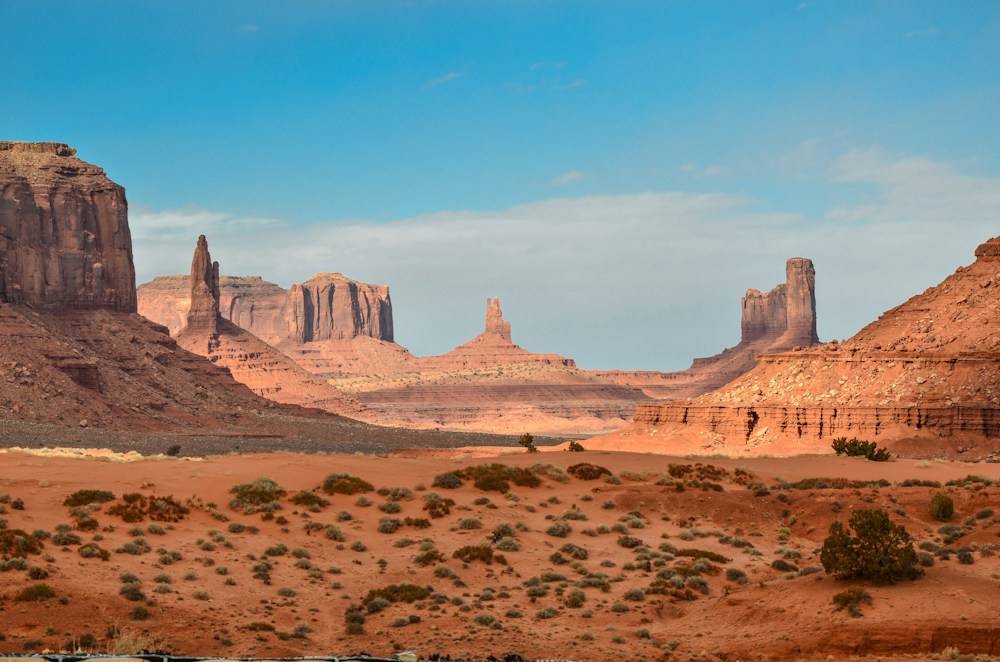 Inspiration photo
A coastline at sunrise. A slow camera move around a product. Describe what happens and how the camera moves, then choose a video tool and picture shape.
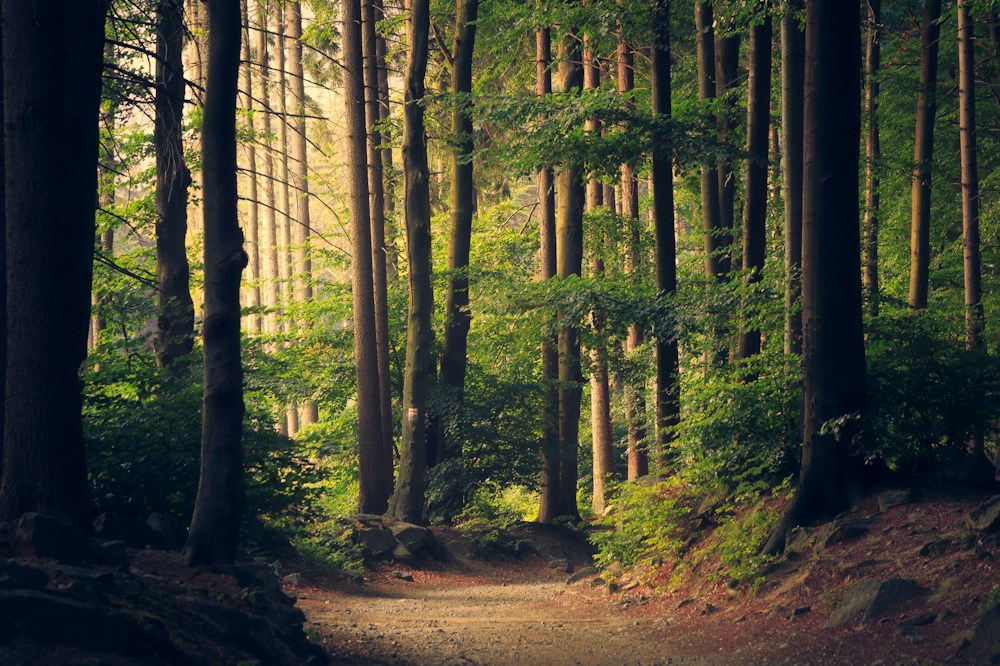 Inspiration photo
Add a photo and describe a gentle camera move or a change in the scene. Check the file types and size shown beside the upload button.
Compare available plans and credit packs. The studio shows the actual cost of each generation before you submit.
See pricing for current availability, billing terms, and credit packs.
Compare all plans and credit packsStart with a description or a photo. Choose a video tool and settings, then sign in to check the credit cost. After you start, follow the video in History.
Check the file types and maximum size beside the upload button. Choose a clear photo that you own or have permission to use.
Yes. Choose from the options shown in Video settings. Different video tools offer different picture sizes and lengths.
Choose a video tool and settings, then check the credit cost before creating. Afterward, open the creation details to see whether credits were used. Credits that expire while you wait cannot be used again.
Follow each video in History. Open My library to preview and download available files, and save a copy before its expiry date.
Open the studio to see the available video tools. Choose one to see its picture sizes, lengths, and other settings.
Simple steps for describing your first scene, adding a photo, and finding your videos.
Describe a scene, choose settings, and check the credit cost.
Read guide Prepare a reference image and describe the motion.
Read guide
Check your credit use and find your available videos.
Read guideExample descriptions for different scenes. Choose one to open it in the studio.
Each idea adds an example description for you to edit. It does not copy the movement of an existing video.
Bring a few words or a single image. Shape the rest in the studio.