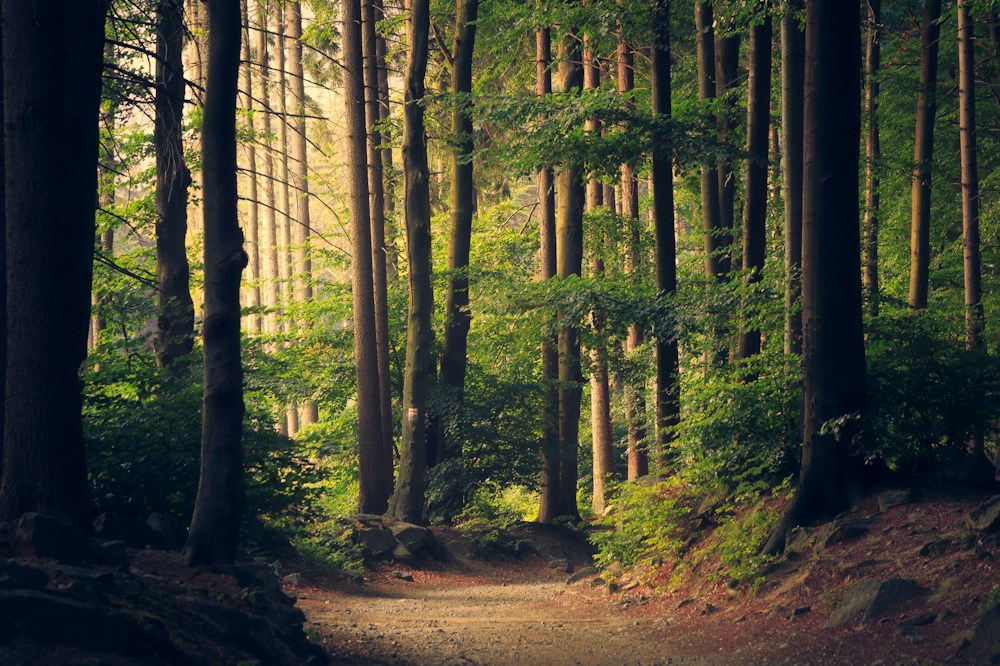
Choose a clear reference image
Use a photo with a clear subject, enough light, and a composition that suits your video. Choose a JPG, PNG, or WebP file up to 10 MB. If its picture size is not supported, the studio will ask you to use another image.
Only upload images you have permission to use, including permission from identifiable people where required. A reference guides the output; it does not guarantee an identical face, outfit, or composition.
Add your photo before checking the cost
Sign in and select Image to video. If you cannot select it, try another video tool. Upload one photo and wait for the image check to finish.
- Select a tool that can make a video from a photo.
- Upload your reference and wait for it to become ready.
- Choose your video size and length.
Describe what should move
The photo already shows the scene. Describe what should move and whether the camera should move closer, pull away, or stay still. Start with one gentle movement.
For example: “Sunlight shifts gently through the trees, leaves move in a light breeze, and the camera slowly moves toward the woodland path.” Try adjusting one detail at a time to see how the result changes.
Check the cost and follow your video
Check the credit cost for your photo, description, and settings, then start creating. If the photo could not upload, try again or choose another before continuing.
Follow your video in History. Watch or download it when it is ready. You can use one photo at a time; adding music or copying a dance from another video is not available here.